From the Podlo desk Editing
Edit less, and the same way each time
By Podlo DeskRead time: 4 minutesGoes with: Episodes
Editing is where new shows lose their weekends. Every pause, every repeated word and every small laugh looks like a fault once you can see it on a screen. Listeners do not hear a conversation that way. Make a short, fixed list of what you will always fix, do those things in the same order every time, and stop. A steady editing routine is what makes a weekly release day possible.
Fix only what a listener would notice. Cut the false start at the top, the long gap while someone looked for a paper, the cough, the phone that rang, and anything a guest asked you to remove. Leave ordinary pauses and the small words people use while thinking. Speech scrubbed of every breath sounds less like a person, and people come to a podcast in their own language to hear people.
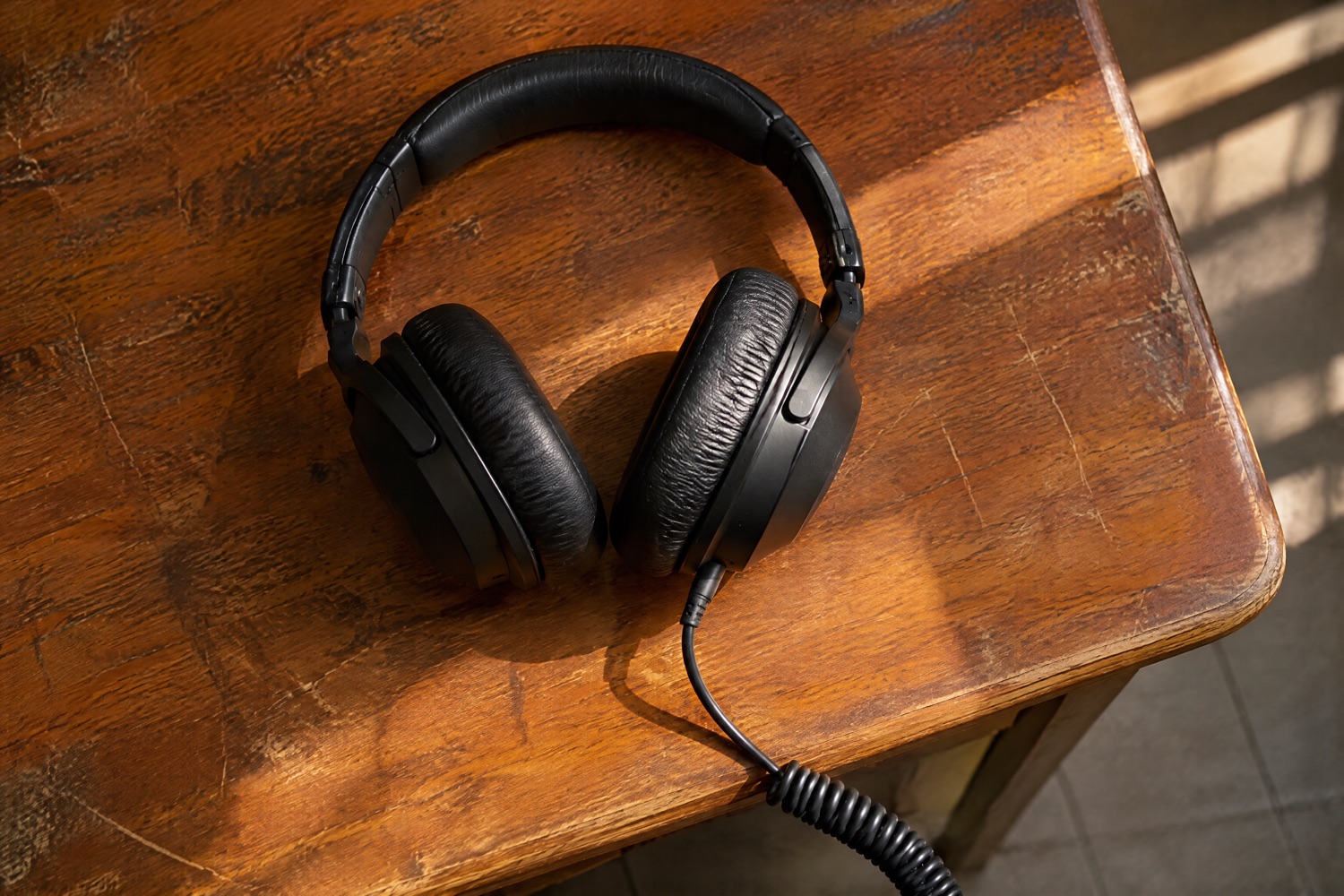
Use the same order every time. First, listen through once at normal speed with a notebook, writing the minute and second of each thing to cut. Second, make those cuts and nothing else. Third, bring the voices to a similar loudness, so that nobody reaches for the volume when the guest speaks. Fourth, add your opening and closing. Fifth, listen to the first two minutes and the last two minutes on ordinary earphones, the kind your listeners use.
Set a time limit. Earlier we used three to four minutes of work for each published minute. Hold yourself to it. For a 20-minute episode, give editing one hour and then stop. The fifth pass is never the one a listener notices. Name your files the dull way. Show, episode number, date, version. Keep the raw recording until the episode has been out for a month. One evening spent hunting for the right file costs more than any bad cut.
Write the show notes while you edit. You are already listening closely, so note the three or four things discussed and anything you promised to link. On Podlo each episode has its own page of show notes beside its Listen button. Paste the notes and the listen link from your audio host, set the release date, move the episode from Editing to Scheduled, and close the laptop.
More from the Podlo desk.